A small control. A whole world of music.
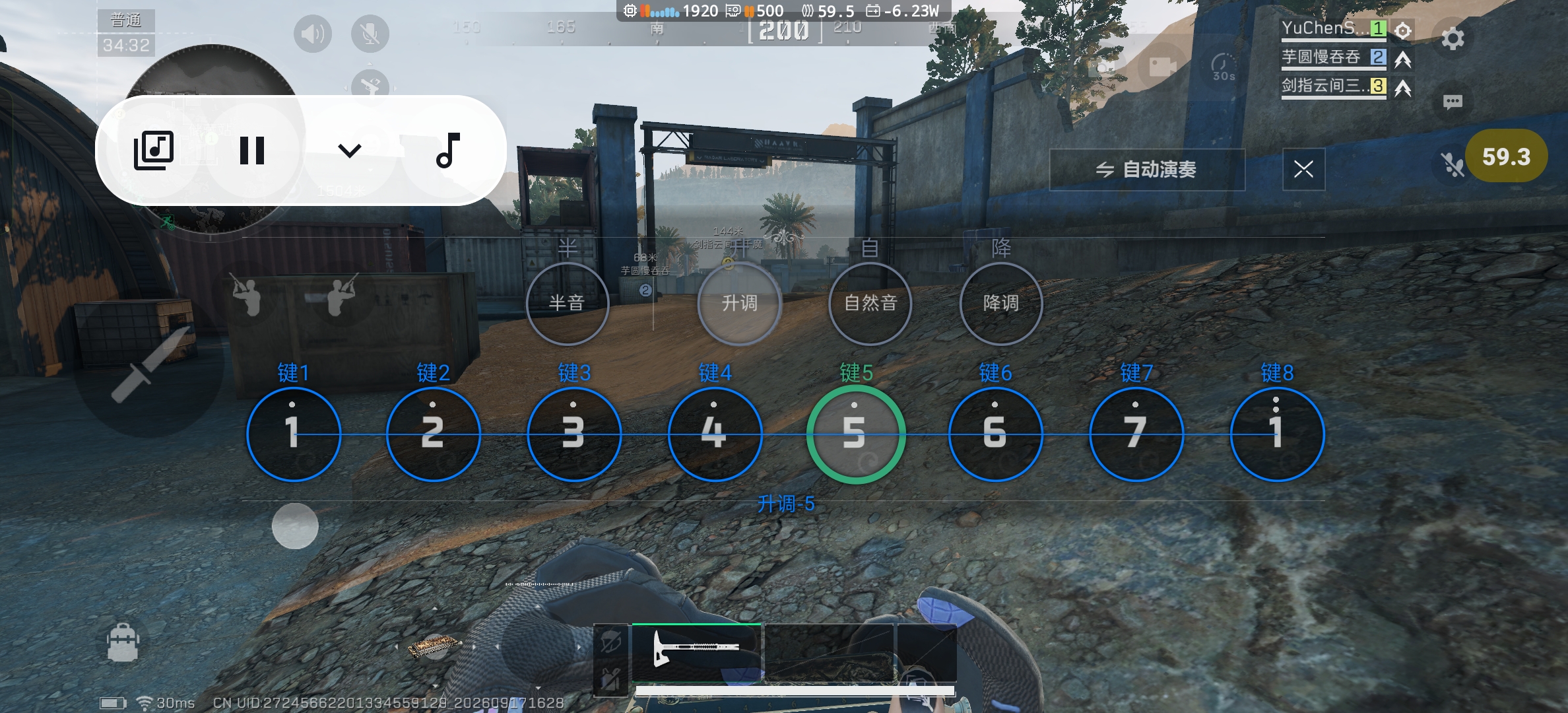
Tap the floating control to expand it. Collapse it when you pause to keep the game in view.
Made for harmonica moments in Delta Force
v1.6 · Community scores are hereLet YuChen help with the music.
Pick a song. Enjoy the moment it starts.
Android 11+ · ARM64 · 11.2 MB
Playback bar · Play and pause without losing your view
Floating controls keep the game in view
Find a tempo that feels right
Bring your own scores, too
01 / Find your next song
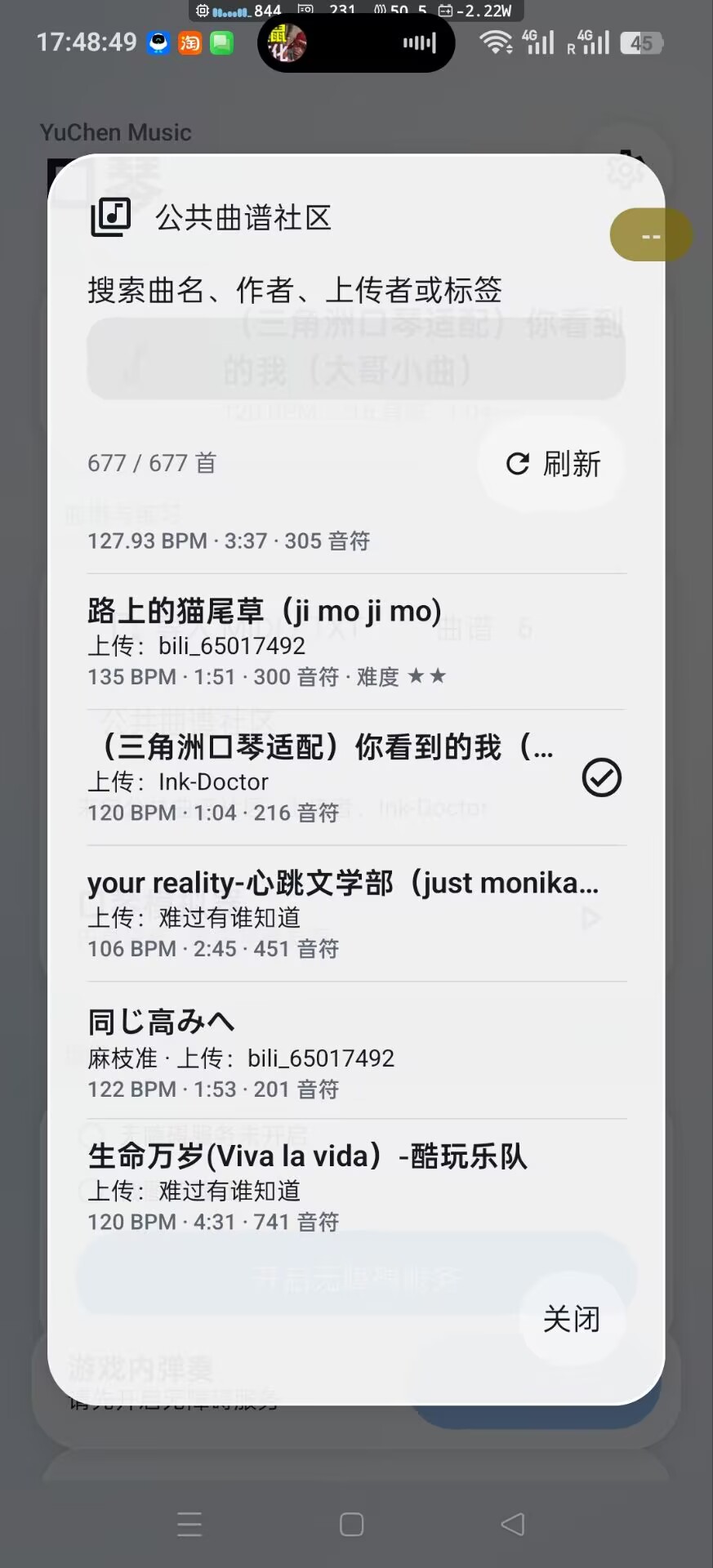
Open the public score community, find a song, and download it into your own library.
Open Public Score Community inside the app to get started.
02 / Play at your own pace
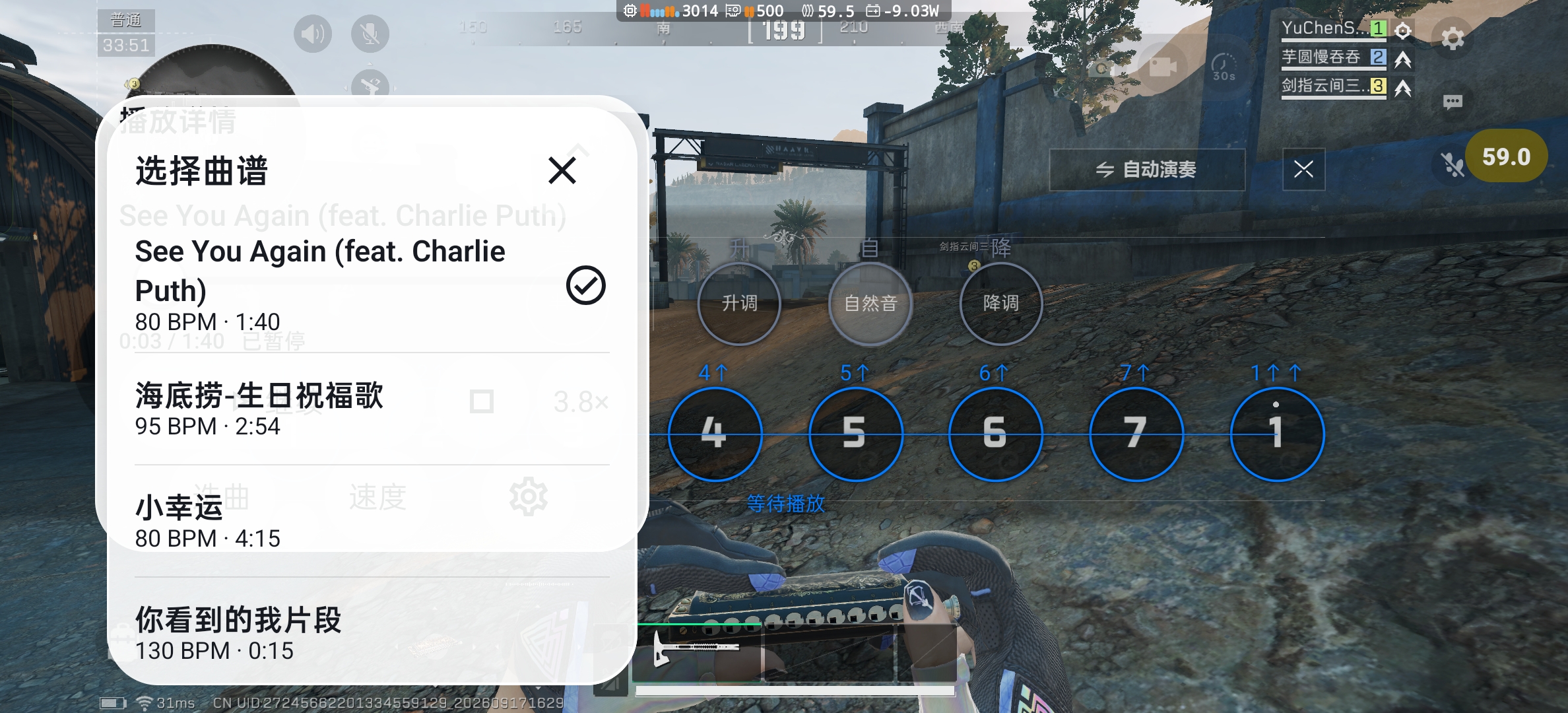
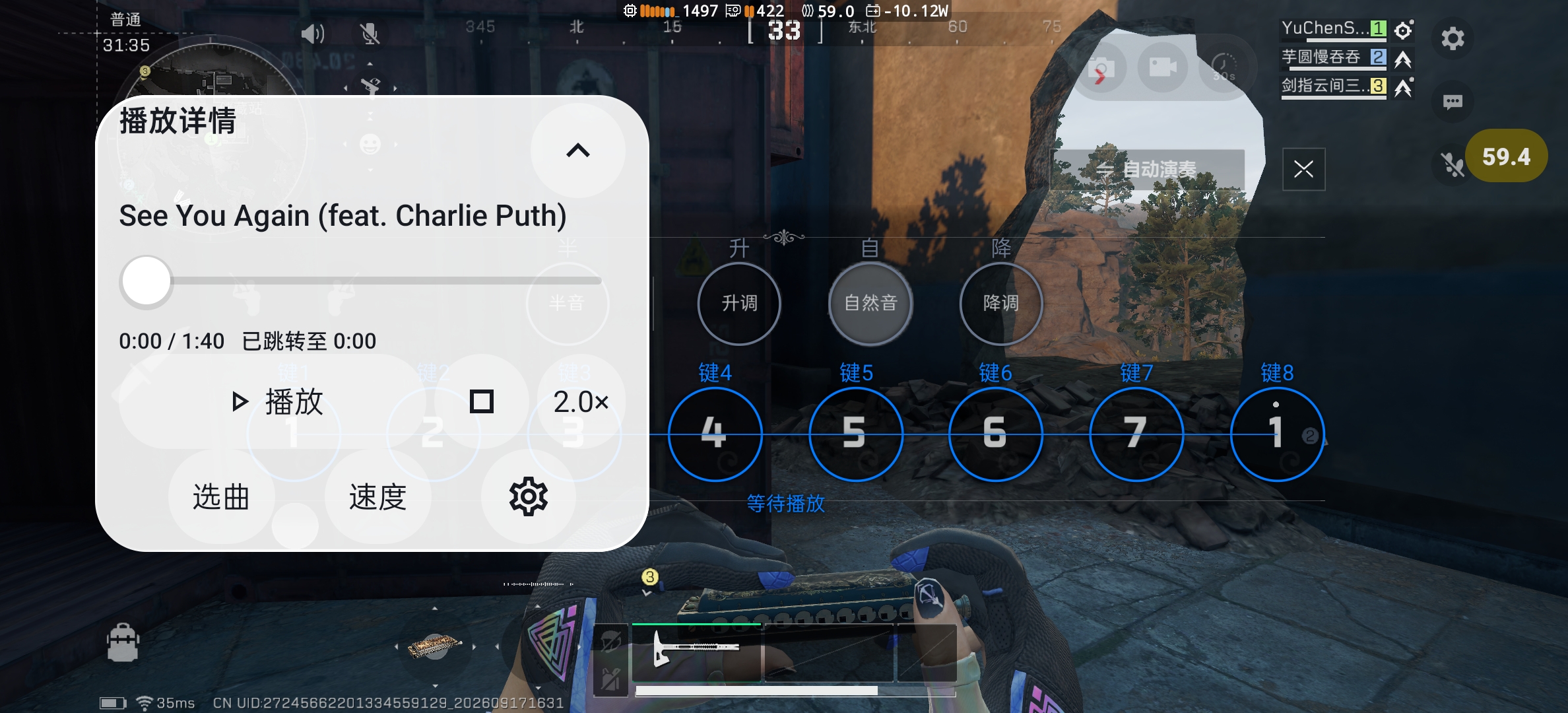
Play, pause, choose a score, or change tempo
without switching between apps.
03 / Play your first song
Open the APK on your phone and follow the Android installation prompts.
Get the APKEnable the YuChen accessibility service in Android Settings, then return to the app and start the floating controls.
Keep the in-game harmonica visible. Locate the keys, choose a score, and tap Play.
If Android blocks accessibility, check App info to see whether restricted settings need to be allowed.
A little more to know
Requires Android 11 (API 30) or later on an ARM64 device. iPhone and 32-bit Android are not supported. In-game playback requires accessibility and a visible harmonica screen.
Root is not required. YuChen uses Android accessibility screenshots and gestures to locate and play the keys. Return to the harmonica screen and locate the keys again if positioning is lost.
Open Public Score Community inside the app to search and download public scores. Import .mid, .midi, or supported score-format .txt files. Plain lyrics and MP3 files cannot be imported directly. Scores are stored locally; uninstalling or clearing app data removes the library.
Screen recognition, local scores, and playback run on your device. Browsing or downloading community scores requires internet access. The game has its own network requirements.
Your music is ready